What is AEO Visibility Report in Airmeet
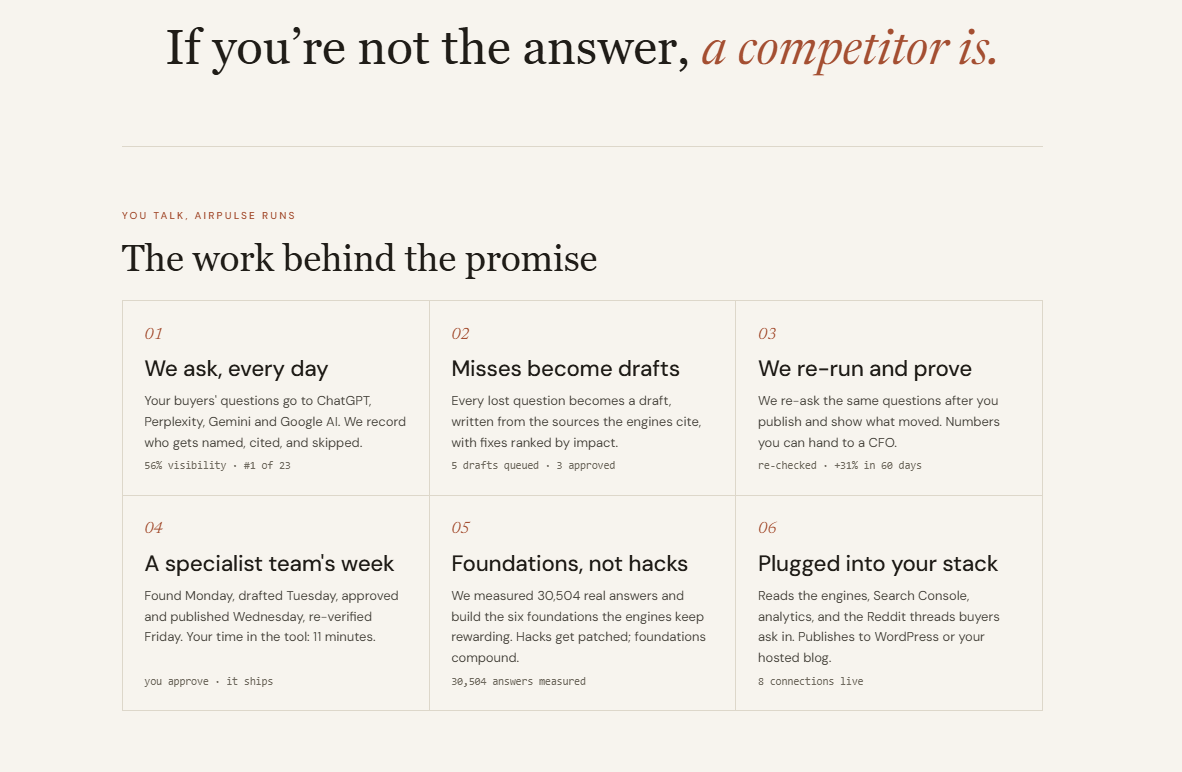
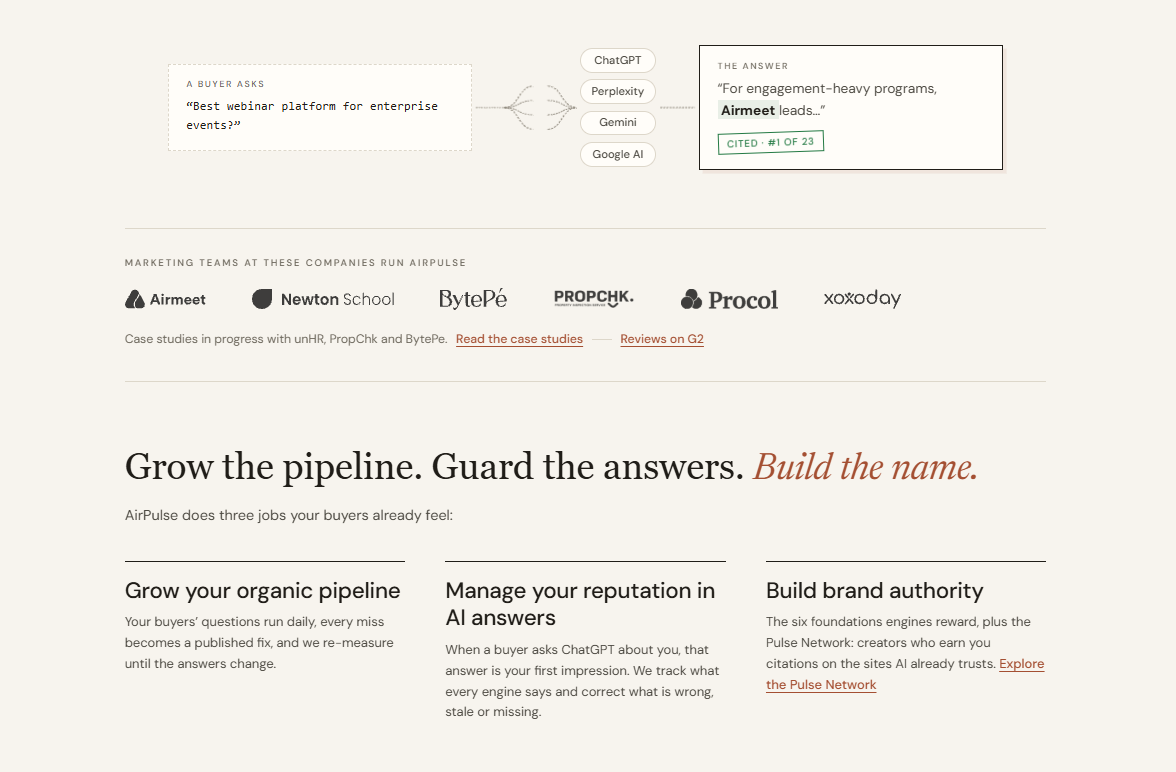
The way buyers discover and evaluate brands is changing. In addition to traditional search engines, buyers are increasingly using AI answer engines such as ChatGPT and Perplexity to research products, compare solutions, and discover vendors. With the AEO Audit in Airmeet, powered by AirPulse.ai, you can generate a report to understand your brand's visibility across AI answer engines and identify opportunities to improve your AI search presence.
Why should you generate an AEO Audit?
The AEO Audit provides a quick snapshot of how your brand is represented in AI-generated answers.
The report can help you understand:
How visible your brand is across AI answer engines
Whether AI engines can effectively understand your website
Which competitors AI engines mention instead of your brand
Which buyer prompts your brand appears for
Opportunities to improve your brand's AI visibility
This gives your marketing and digital teams a starting point for understanding how discoverable your brand is as buyers increasingly use AI during their research.
How to generate your AEO Audit
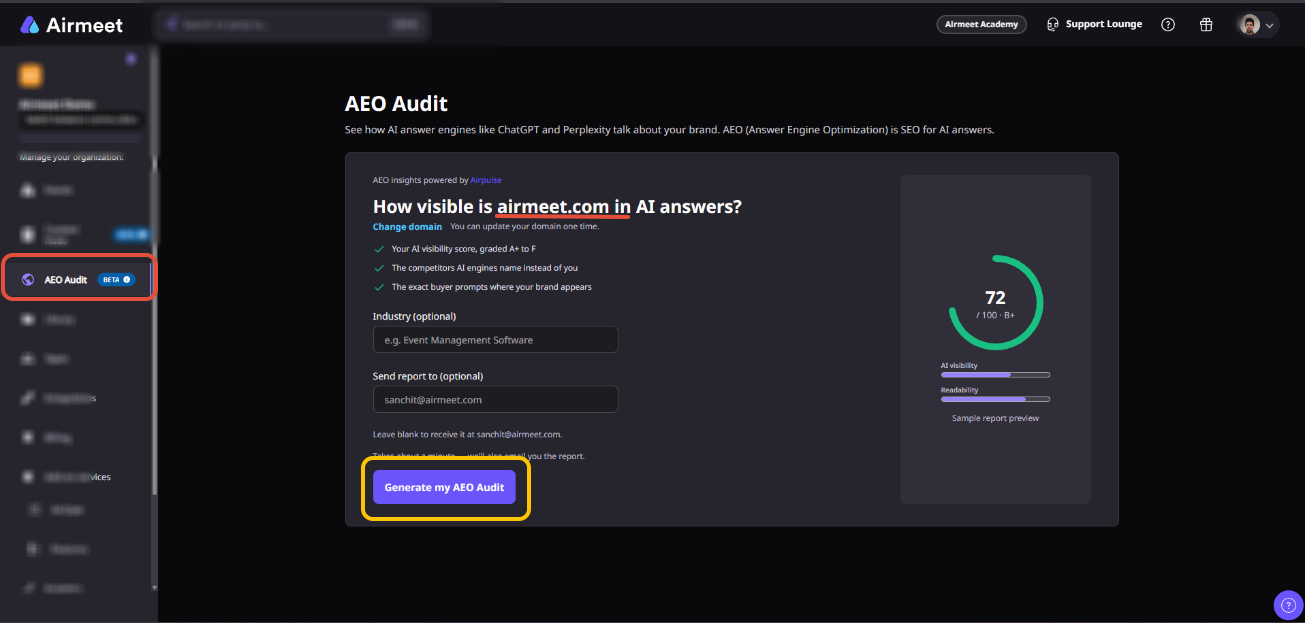
Step 1: Navigate to AEO Audit
Log in to your Airmeet dashboard. From the left navigation panel, select AEO Audit.
Step 2: Review your domain
Airmeet automatically identifies and pre-fills your organization's website domain based on your account information. Verify that the displayed domain is the website you want to analyze.
Step 3: Change your domain if required
If you want to analyze a different website, click Change domain and enter the correct domain.
Note: The number of times you can change your domain is limited. Check the message displayed next to Change domain before making a change.
Step 4: Add your industry/report email
Enter your industry or business category in the Industry field. For example: Event Management
Software. Under Send report to, enter the email address where you would like to receive the report.
You can leave this field blank to receive the report at the email address displayed on the screen.
Step 5: Click Generate my AEO Audit.
AirPluse.ai will analyze your domain for AI search visibility and generate your AEO Audit. The report can then be reviewed from within your Airmeet dashboard. The analysis may take a short time to complete.
What happens after the report is generated?
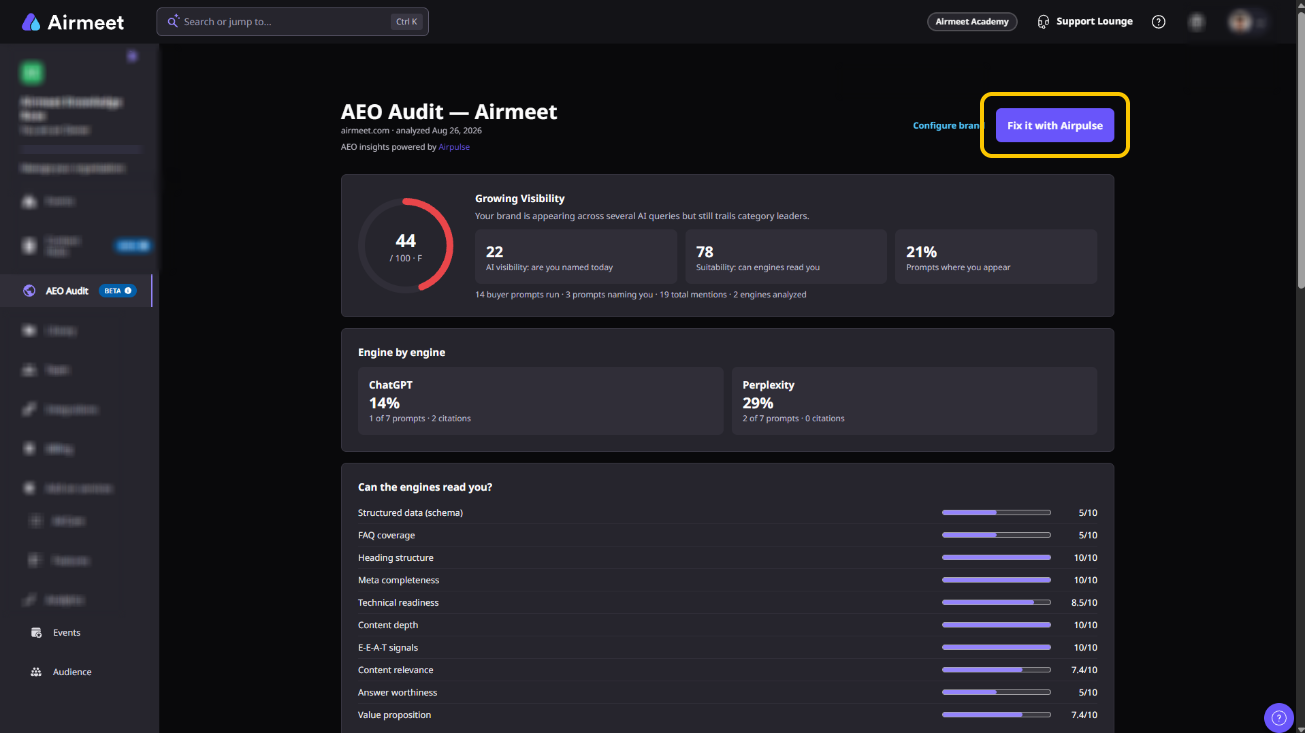
Once your AEO Audit is ready, you can use it to understand your current AI visibility and identify areas where your brand may have opportunities to improve.
For deeper recommendations and optimization capabilities, click Fix it with AirPluse from your report. Detailed remediation and optimization capabilities are available through Airpulse.
AEO insights powered by AirPluse.ai.
Need more help? Contact support@airmeet.com or visit our Customer Support Lounge.
Was this article helpful?
That’s Great!
Thank you for your feedback
Sorry! We couldn't be helpful
Thank you for your feedback
Feedback sent
We appreciate your effort and will try to fix the article